Any and all patches are installed.1. The launcher depends on Dot.Net. Run Windows updates and ensure PC is completely patched including optional Dot.Net packages.
2. Reboot.
3. Do the compatibility layer check in the registry as documented by @Sic .
4. Try launching by right-clicking the shortcut and choose the Run As Administrator option.
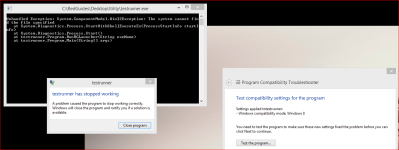
5. Run the Compatibility Troubleshooter on one of the tabs of the shortcut.
View attachment 53016
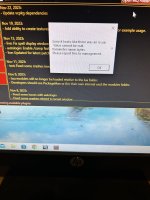
I rebooted the PC, I did the compatibility checks. See the image below.
Tried running normal and run as admin.