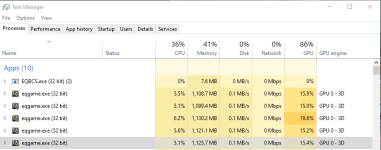
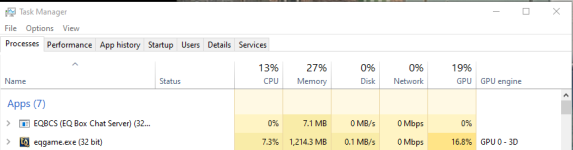
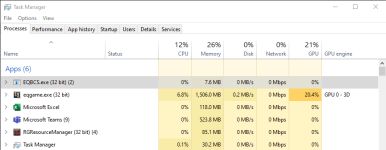
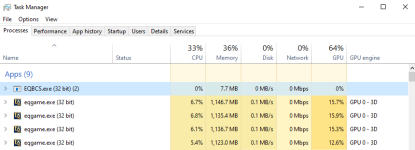
Regarding Sifter's answer -- More accurately, setting CPUAffinity to -1 lets Windows choose which core to use rather than specifying. EQ doesn't use multiple cores, so "utilize all your hips cpu's" is a bit of a misnomer in that context.
In this original configuration:
Code:
cpuaffinity0=1
cpuaffinity1=1
cpuaffinity2=2
cpuaffinity3=3
cpuaffinity4=4
cpuaffinity5=5
It says: The first instance of EQ should use core 1, the second instance of EQ should use core 1, the third instance of EQ should use core 2, the fourth should use core 3, the fifth should use core 4, and the 6th should use core 5. That means that your first two instances are sharing the same core. Further, in most systems you have either Hyperthreading (Intel) or Simultaneous Multithreading (AMD) which means that the odd numbered cores in this scenario are actual the additional hyperthread cores rather than physical cores. So in the above example, your first two clients are running on the same (virtual) core, your second two clients are running on the same physical core (one physical, one virtual), and your last two are running on the same physical core (one physical one virtual). So if you have say -- a quad core processor then you're only using 3 of your 4 cores.
As Sic mentioned, setting it to -1 says "Let Windows handle this for me" rather than binding to a specific core, which is in general the best practice. If you were specifying cores, you would likely specify them to even numbers. (But again, don't do that, just let windows handle it).